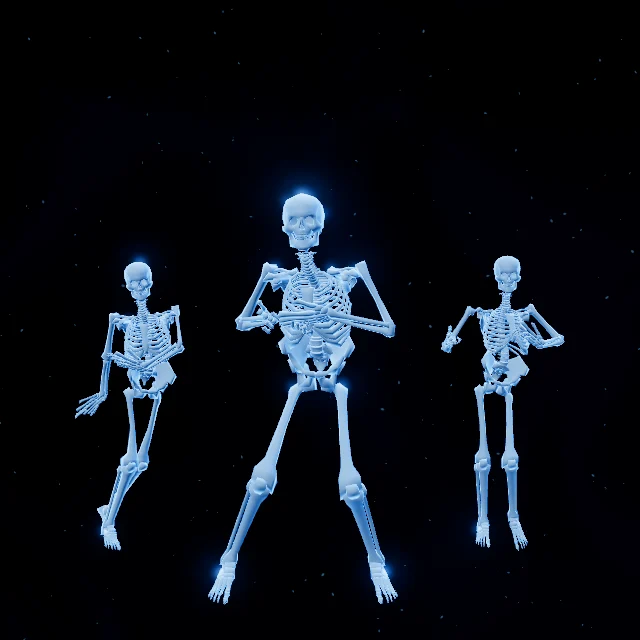
Skeleton ball
Three skeletons dance, look around and greet your visitors.
" d="M8 4 91 30Q104 34 104 48V60Q104 69 95 66L63 57V43L21 30V99L54 88V79L37 74V62L94 79Q104 82 104 94V108Q104 119 94 122L8 148V137L81 114V95L67 91V101L8 120Z"/>%0A</svg>%0A) scenebeam
scenebeamHALLOWEEN COLLECTION
SceneBeam turns an ordinary window into a little Halloween show. Connect a projector, hang a thin screen in the window, and dancing skeletons and curious ghosts appear for everyone walking past. Add a webcam and they wave back.
HOW IT WORKS
The projector shines onto a thin screen from inside. From the street, people see only the characters, floating in your window.
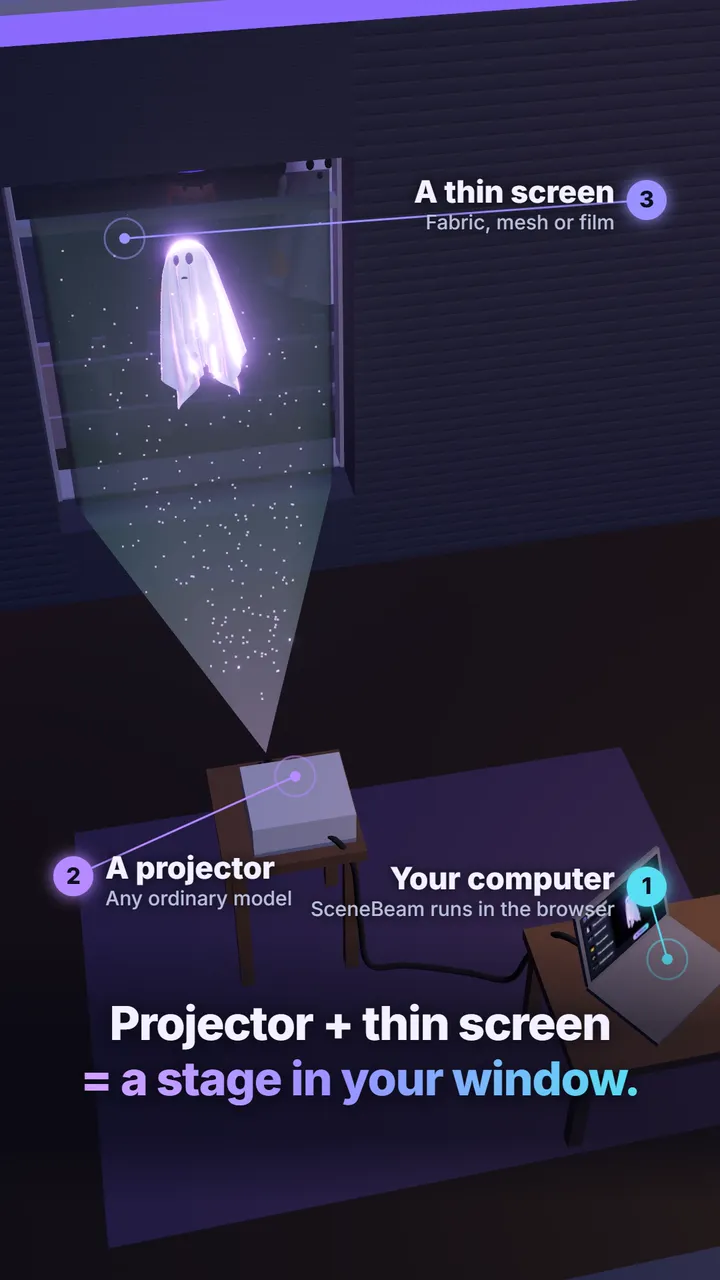
Open SceneBeam in Chrome, Edge or Safari. Choose scenes, set the mood and press play. Nothing to install.
Any ordinary projector, connected as a second screen. Four-corner calibration fits the picture to your window.
Translucent fabric, mesh or rear-projection film. The black background disappears, so only the figure shows.
OPTIONAL WEBCAM
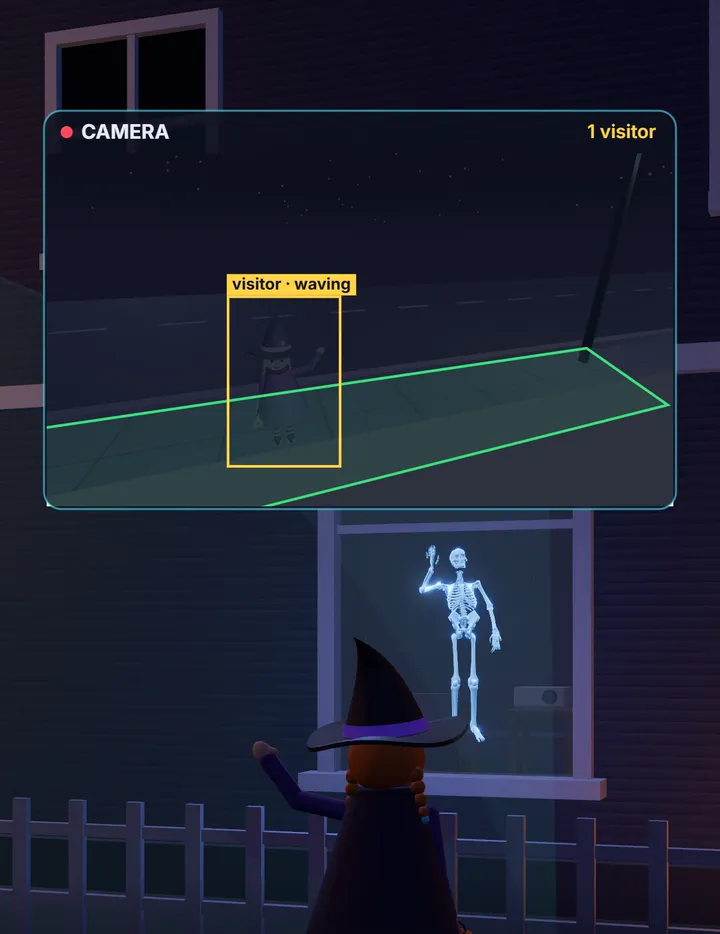
Plug in a USB webcam by the window. When someone stops on the pavement, the characters turn to look at them, and wave back when they wave.
8 SMALL PERFORMANCES
Build a playlist and let the scenes take turns all evening. Each has its own light, mist and moves.
Three skeletons dance, look around and greet your visitors.
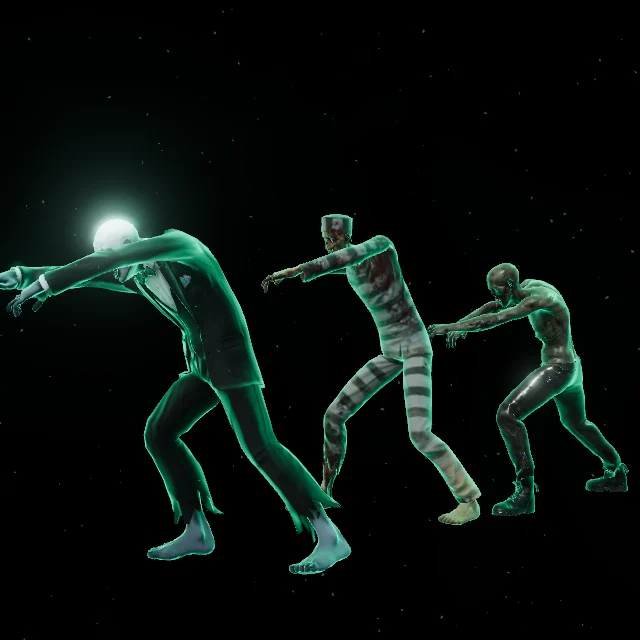
An unlikely trio takes a midnight stroll.

A floating visitor with a mischievous expression.
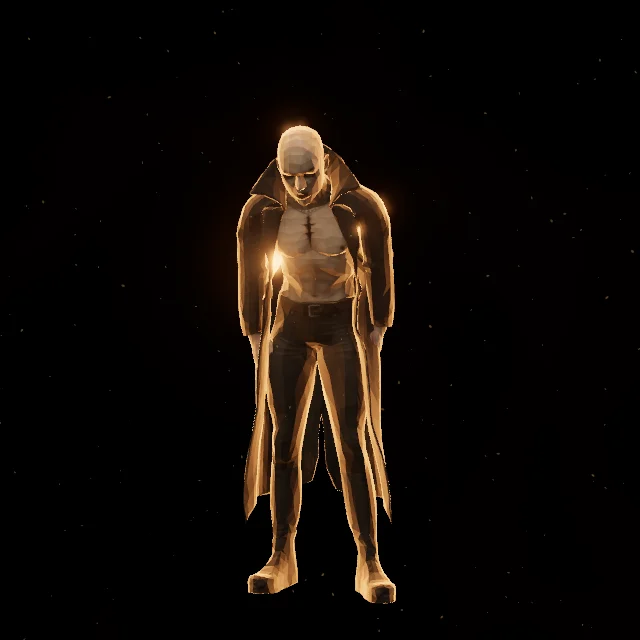
A theatrical host with a few dance moves.

Bobbing skulls with glowing red eyes.

A lively lantern that squashes, jumps and pulls faces.
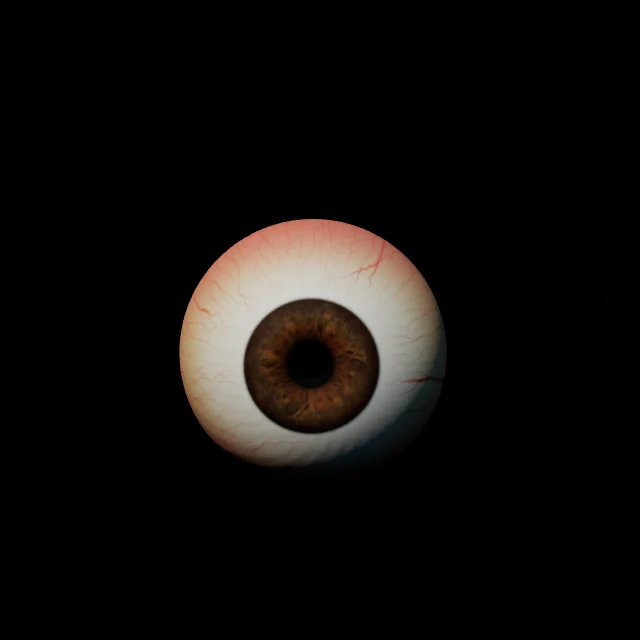
A searching gaze that suddenly finds you.

Nine gently drifting flames in the dark.
WHAT YOU NEED
Using a camera? Aim it so its view follows the camera rules where you live. Read the FAQ
Floating candles plays with no time limit, so you can try your projector, calibration and camera before you buy.
Create a free accountFree scenes include a watermark and need an internet connection.
PRICING
€0
Loading price… one-time
For one household, private use. Refund within 14 days.
Yes. Scenes run autonomously and include varied, random reactions. You can also trigger reactions from Studio.
No. Detection runs on your computer. SceneBeam does not record or upload camera images or visitor positions.
Yes. After signing in, choose your viewport proportions and shape, then calibrate the projector corners. Scenes adapt to the selected shape and size.
Prepare the purchased scenes while signed in and online. Keep the site data in the same browser. A prepared show can then play without a network connection, even after a browser restart. The first sign-in and content download need internet. Safari removes website data for sites you have not opened for seven days, so in Safari, prepare offline playback in the same week as the show.
Try it free tonight. Decide once you have seen it in your own window.
Get free version